Undeclared developer
AnyPDF - Your PDF Converter
Convert and edit PDFs easily
Productivity
First seen
Mar 7, 2026
57
Score
Description
Current listing description
Tagline
Convert and edit PDFs easily
Capabilities
Interactive, Writes
Description
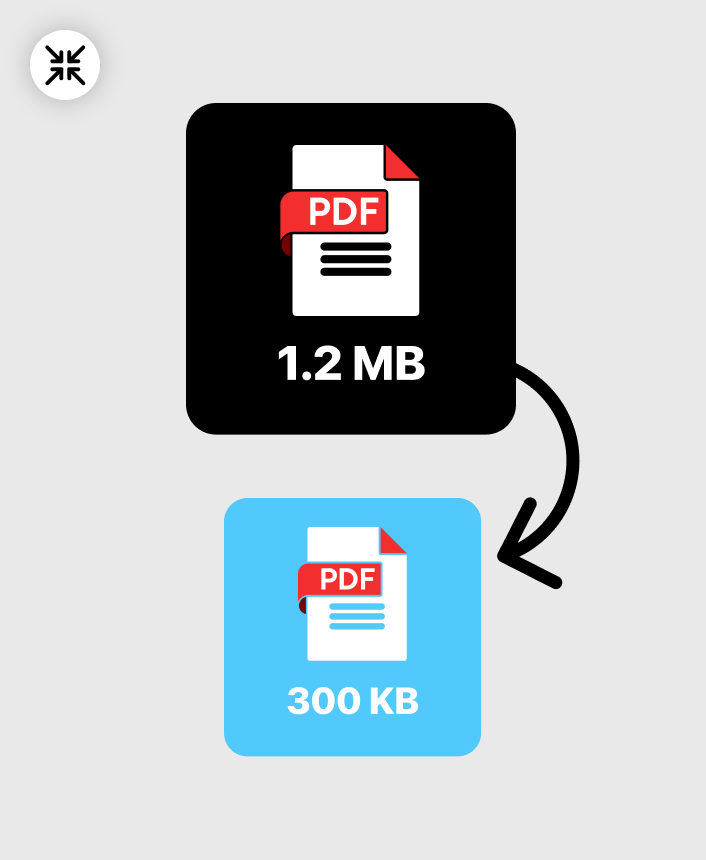
Manage and transform your documents seamlessly right inside ChatGPT. This all-in-one PDF utility allows you to compress, convert, merge, and edit your files instantly with professional precision. Ideal for students, professionals, and anyone who wants fast, reliable PDF solutions without opening another app. How to Use 1. Trigger: Mention the app @AnyPDF - Your PDF Converter and tell us what you want to do (e.g. @AnyPDF - Your PDF Converter I want to compress a pdf) 2. Upload your files: Select your files from your device and click the upload button 3. Execute: Simply tell what you want to do again (e.g. I want to compress a pdf) Now your file is ready to download Key features: - Smart Compression: Choose from three levels—Low, Recommended, or Extreme—to shrink file sizes while maintaining document clarity. - Universal Converter: Instantly turn Images (JPEG, PNG), Word (DOCX), Excel (XLSX), PowerPoint (PPTX) into PDFs or turn your PDFs into JPG. - Merge Multiple PDFs: Combine two or more PDF documents into a single, organized file in seconds. - Extract Specific Pages: Extract the pages you need from any PDF to create a new document. - Rotate & Align: Fix orientation issues by rotating your PDF pages 90, 180, or 270 degrees. More
What is currently tracked
Tracked coverage for this app
Keywords ranked
0
Category ranks
0
Prompts & screenshots
4
Tools
0
Discoverability
Current visibility score
A quick summary of how discoverable the app currently looks before you open the full visibility breakdown.
Score
57
Search visibility
0
Listing clarity
57
Best rank
—
Showing up, but not yet clearly competitive
Confidence: High
Screenshots & prompts
How the app frames itself